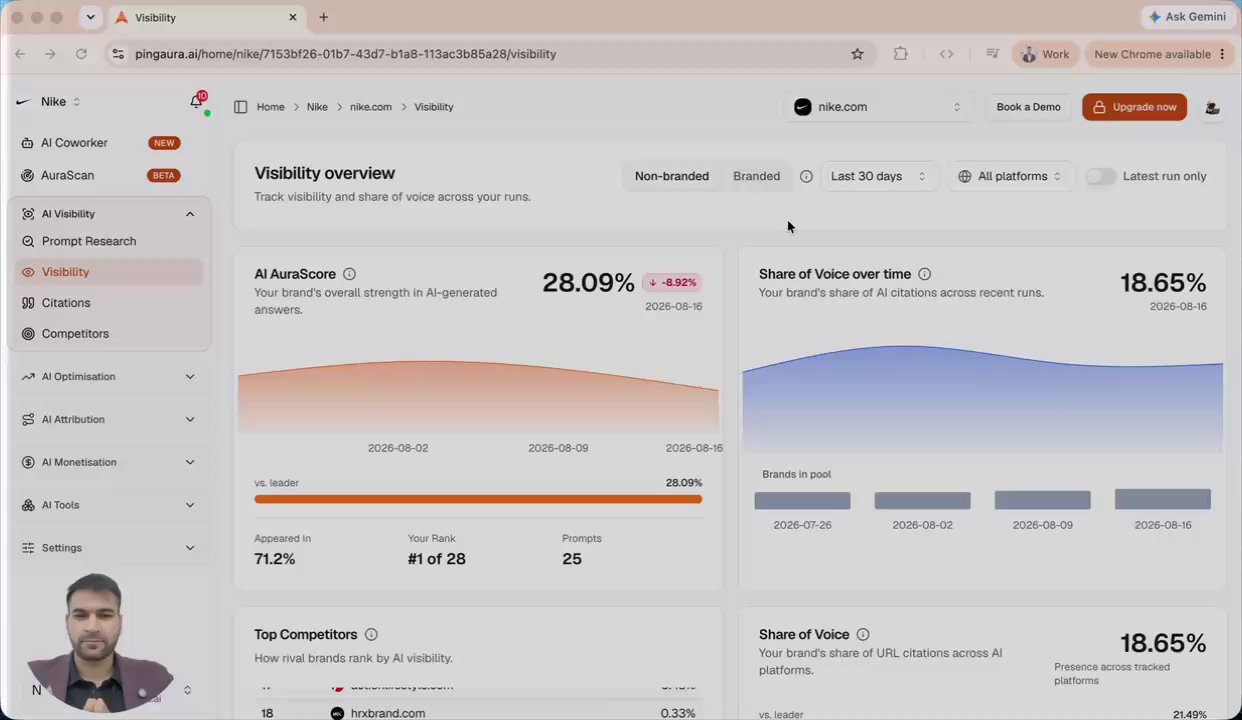
Competitors in AI Visibility
Add and remove the competitors tracked on your visibility dashboard, and understand why the set you choose changes every relative score you see.
Feature · 1:10
What this demo covers
- Add a competitor by URL. PingAura researches it, and you can add brand aliases if you know them, though the domain alone is enough.
- Once saved, the competitor starts being tracked on the visibility dashboard.
- Share of voice, brand visibility, and cumulative scores are all relative, so they depend on which competitors you track.
- The recommendation is eight to ten competitors: roughly four ranked above you and four below.
In this demo
- 0:01Which competitors are tracked today
- 0:12Adding a competitor by URL
- 0:41Why the competitor set changes your scores
Frequently asked questions
- How many competitors should I track?
- Eight to ten is the recommendation, chosen as roughly four brands ranked above you and four below, so relative scores stay meaningful.
- Do I need to add brand aliases for a competitor?
- No. The domain on its own is enough. Aliases help when a competitor is commonly referred to by a name that does not match its domain.
- Why does the competitor list change my visibility score?
- Share of voice and cumulative visibility scores are relative measures. They are calculated against the competitors you track, so an unrepresentative set produces a misleading score.