Integrations on PingAura
Where to find the integrations available to your account, what each one connects, and where the MCP server key lives.
Walkthrough · 0:49
What this demo covers
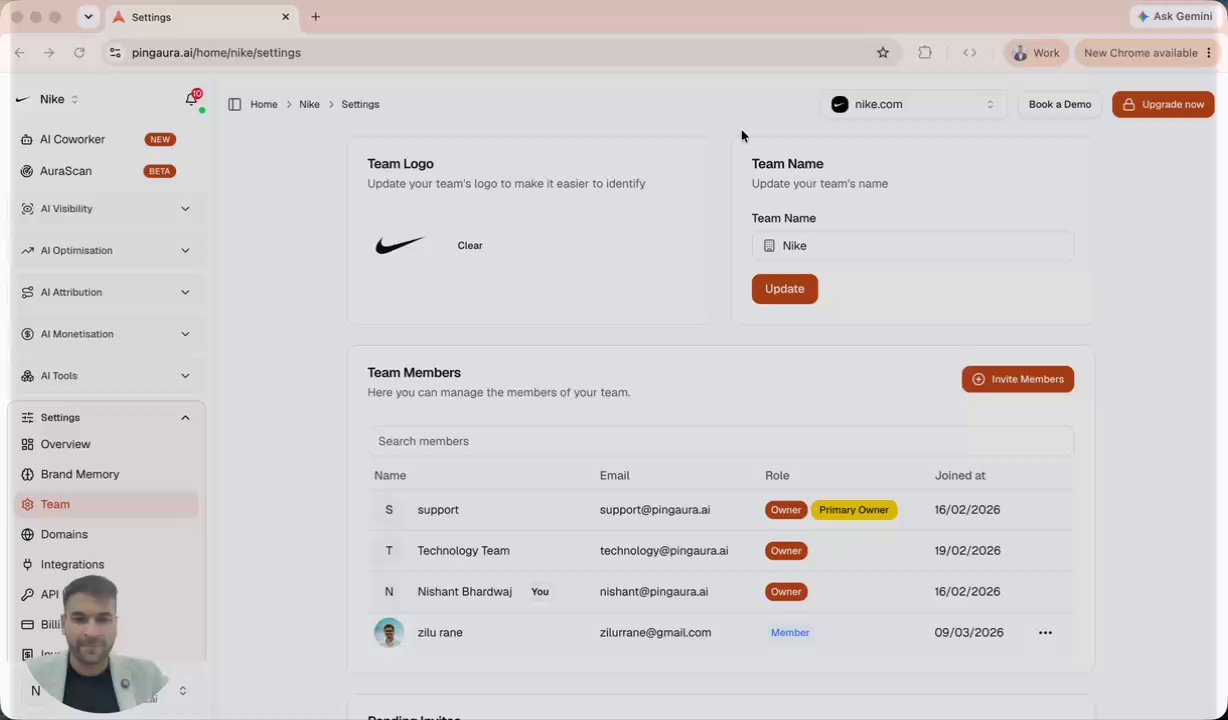
- Integrations live under Settings, Integrations, and the list reflects what is available to your account.
- Live integrations include PingAura Telemetry for custom traffic, GA4, Google Search Console, Bing Webmaster Tools, Google Trends, Cloudflare, WordPress, Slack, webhooks, HubSpot, and ChatGPT Ads.
- The same page carries the PingAura MCP server, with a unique key you attach to Claude, Cursor, VS Code, or another client.
In this demo
- 0:01Finding the integrations page
- 0:11The integrations available today
- 0:32The PingAura MCP server key
Frequently asked questions
- Which integrations does PingAura support?
- PingAura Telemetry for custom traffic, GA4, Google Search Console, Bing Webmaster Tools, Google Trends, Cloudflare, WordPress, Slack, webhooks, HubSpot, and ChatGPT Ads, with the list shown per account under Settings, Integrations.
- What is the PingAura MCP server?
- An MCP endpoint with a unique key per account. Attach it to Claude, Cursor, VS Code, or another MCP client to query and act on your PingAura data from inside those tools.
- Where do I connect an integration?
- Open Settings and choose Integrations. Everything available to your account is listed there, including the MCP server key.